
plumio
Write notes in Markdown and switch between their source text and a formatted reading view.
Albert Asaftei · Browser app · Free to try · Browser on desktop
Open sourceFree to try Try a formatted note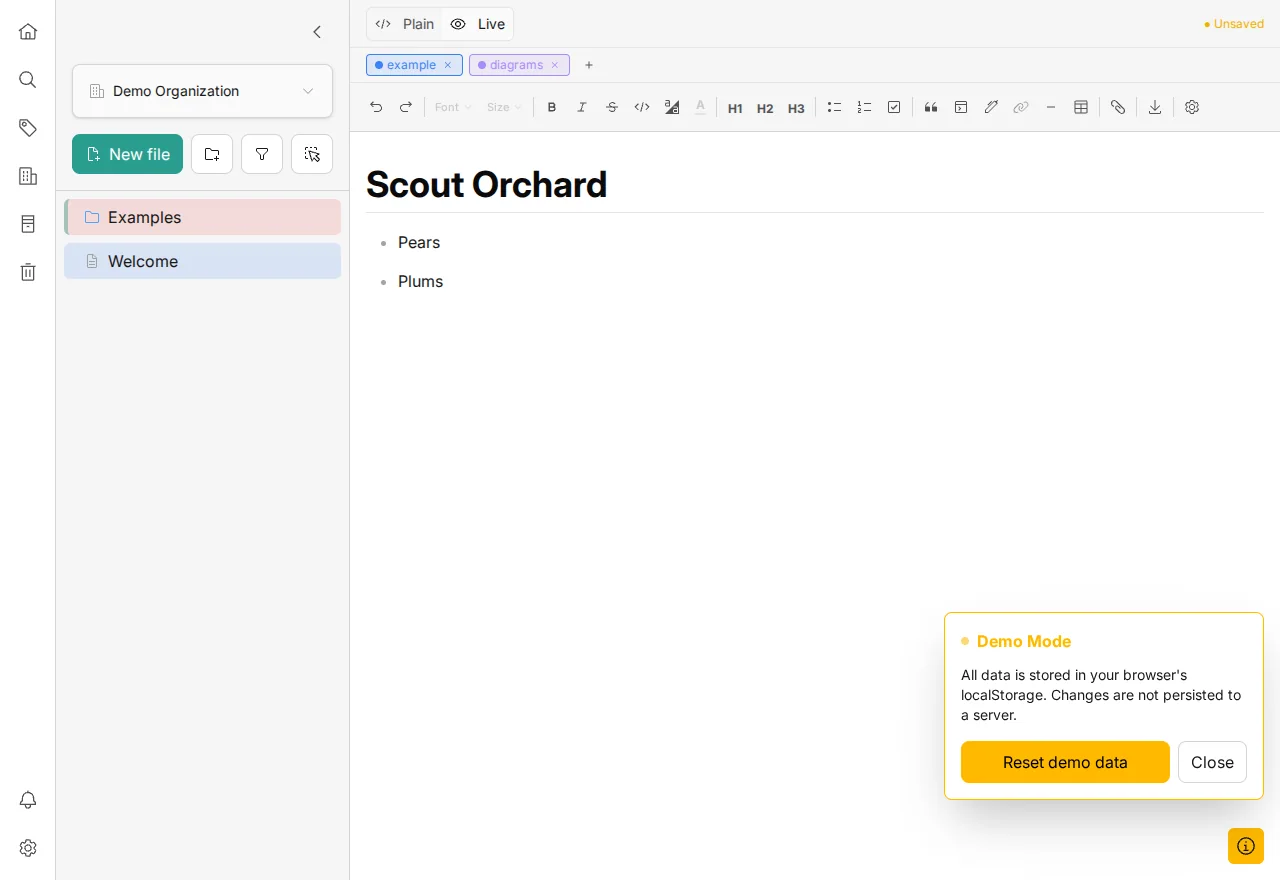
How to try it
- Open the Diagrams example and select Plain.
- Replace the sample with a heading and list, then select Live to see the formatted note.
Pricing
Edit and preview notes in the free public demo without signing in. Demo changes are stored in the current browser.
Reviews
Rate this appMore to explore
- Sub & SuperscriptTurn plain text into characters that appear above or below the baseline.Free
- DillingerWrite Markdown and see the formatted page beside it.Open sourceFree
- ZenPenDraft a note in a quiet editor with basic formatting and a word target.Open sourceFree