
Photopea
Edit a local image in a layered browser workspace with familiar selection, adjustment, and export tools.
Photopea · Browser app · Free · Browser on desktop
Free Edit an image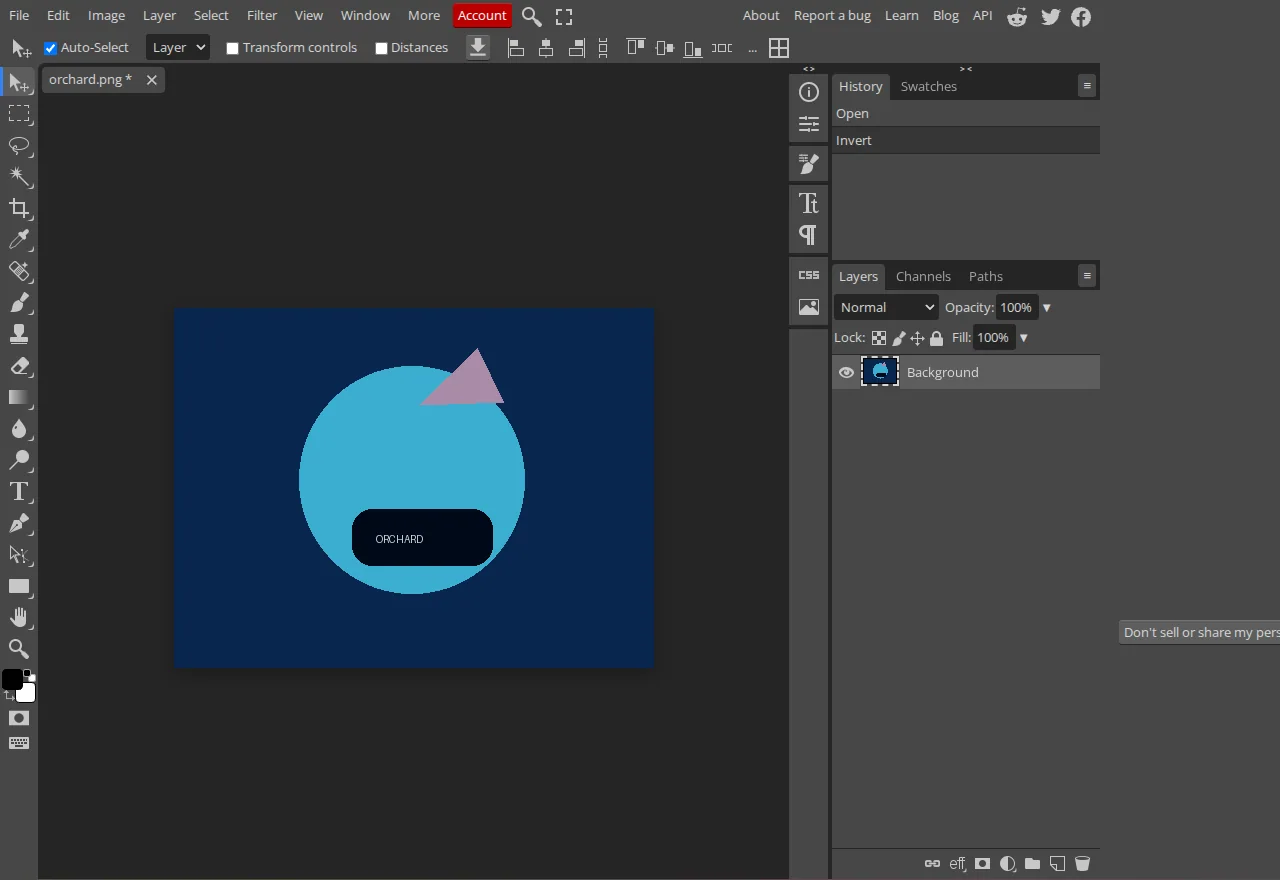
How to try it
- Select Start using Photopea and open a local test image.
- Choose Image, Adjustments, then Invert to see the colors change.
Pricing
Edit images for free without signing in. The free editor shows ads. Optional Premium removes ads and adds longer history, more storage, and AI credits. The Account panel showed one-time options from €5 for one month when checked.
Reviews
Rate this appMore to explore
- Wikimedia CommonsFind public-domain and freely licensed media and read the terms for using each file.Free
- ArtCraftEdit photos, draw vectors, and cut video with 17 free Crafting Apps. ArtCraft Studio offers optional paid AI generation.Open sourceFree
- PhotoCraftRetouch photos, combine images with masks, and adjust color while keeping each part of your composition editable.Open sourceFree